





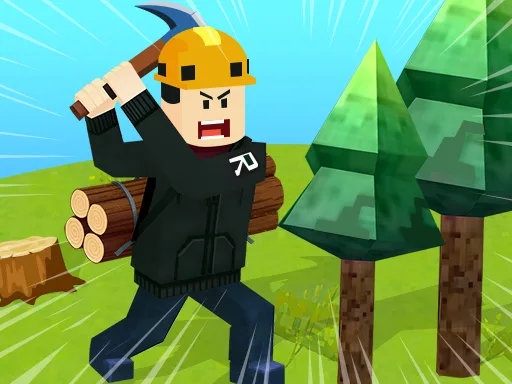
Roblox World Builder


Play Roblox World Builder Online Free
Instructions
Roblox World Builder – Build, Battle, and Thrive
Imagine a sandbox where every block you place reshapes the adventure. In Roblox World Builder, you aren’t just surviving—you're crafting entire realms, designing epic quests, and battling monsters that lurk in your own creations. The game fuses free‑form creation with hardcore survival, giving you the power to shape the map and the challenge to dominate it. If you love sandbox freedom and relentless action, this is the arena where your ideas become the battlefield.
Mechanics
Controls are tight, whether you’re on a keyboard or a touchscreen. Master the basics, then unleash your imagination.
- On PC WASD to move
- Shift to run
- G to fly
- Space to jump
- F to attack
- Z to enter the car
- C to collect
- X to chat
- R to build
- On Mobile Click the on-screen button to operate
Strategy
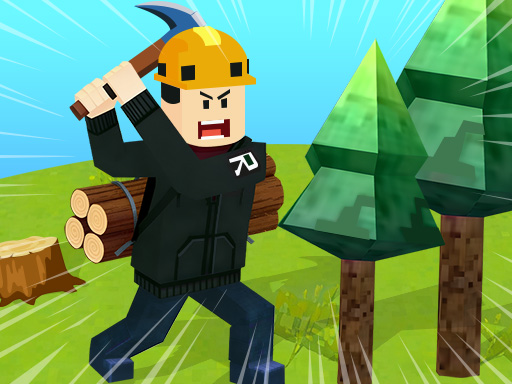
Success starts with smart resource management. Harvest wood, ore, and fruit early, then set up a Creation hub near your base. Use that hub to forge armor, craft weapons, and stockpile supplies—each upgrade pushes your survival odds higher. When you feel ready, claim a plot of land and turn it into a thriving marketplace. NPC traders will flock to well‑stocked stalls, unlocking lucrative guild missions that reward rare materials.
Don’t ignore mobility. Flying with G lets you scout distant biomes for hidden loot, while the car (Z) speeds up supply runs. Build defensive structures around high‑value zones; a well‑placed turret can turn a monster ambush into a quick win. Remember: the deeper you dig into sandbox creation, the more diverse the threats become. Balance expansion with fortification, and you’ll keep the survival clock ticking in your favor.
Ready to dominate a world you design? Jump into Roblox World Builder now and start building the ultimate sandbox experience. Need more epic titles? Explore the full catalog at GamaVerse. Your next adventure begins the moment you lay the first block.
