





Controls
Drag the left mouse button to move around.
Tile Craft 3D


Play Tile Craft 3D Online Free
Instructions
Controls
Drag the left mouse button to move around.
Tile Craft 3D: Fast‑Paced Coloring Chaos
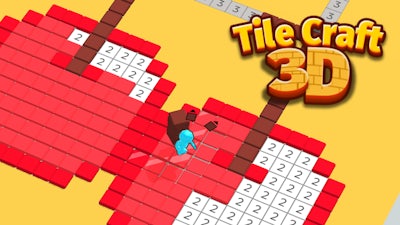
Tile Craft 3D flips the classic coloring game on its head. You stack vivid tiles in a full‑blown 3D arena, turning blank floors into eye‑catching mosaics. Every match lights up the scene, every missed spot adds a splash of challenge. The thrill lies in turning chaos into order while the clock ticks. Collect coins, upgrade tools, and watch stickman assistants rush in to speed up your masterpiece. If you love quick wins and colorful bragging rights, this title has your name on the leaderboard.
How the Controls Work
Simple gestures keep the focus on the art, not the UI. Pick up a tile, place it, and watch the pattern lock in place. The game reacts instantly, so you stay in the flow.
- Controls Drag the left mouse button to move around.
Winning Strategies & Progression
Start by mastering the basic color layout. Each level hides a numeric code on the floor; match those numbers to lock tiles fast. As you Collect coins, head straight to the Upgrade Center. Boost brush speed, expand the tile palette, and unlock the stickman crew that auto‑fills low‑priority spots. Reaching level 5 unlocks the full helper roster—let them handle the boring edges while you focus on high‑score combos. Keep an eye on the timer; finishing a row early nets bonus coins, which fuels the next upgrade loop. Rotate the camera often; the 3D perspective reveals hidden gaps you’d miss from a flat view.
Ready to dominate the tile arena? Grab Tile Craft 3D now, stack your first masterpiece, and let GamaVerse show you how fast a colorful victory can feel. Keep stacking, keep collecting, and watch your score soar.
