





Controls
- WASD or arrow keys to move
- Left click to shoot portal
- Q to shoot blue portal
- E to shoot yellow portal
- R to reset portals
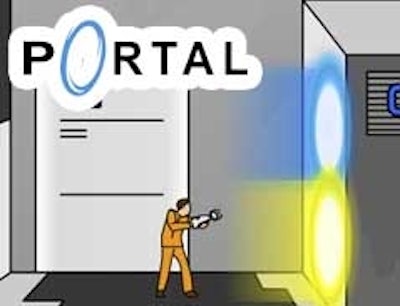
Portal: The Flash Version


Play Portal: The Flash Version Online Free
Instructions
Controls
- WASD or arrow keys to move
- Left click to shoot portal
- Q to shoot blue portal
- E to shoot yellow portal
- R to reset portals
Portal: The Flash Version – Classic Jumping Platform Action in a Browser
Portal: The Flash Version drops the iconic physics‑puzzle series straight into your browser. One gun, two colors, endless mind‑bending jumps. Master the portals, beat the timer, and feel the rush of classic platform precision without installing a single app.
Mechanics
Control the action with a simple keyboard layout and mouse clicks. Precision is key; one mistimed portal and you’re back at the start.
- Controls WASD or arrow keys to move
- Left click to shoot portal
- Q to shoot blue portal
- E to shoot yellow portal
- R to reset portals
Strategy
Speed runs win when you chain portals flawlessly. Start by scouting each room: locate the shortest path, then place the blue portal on a wall that gives the highest launch angle. Follow with the yellow portal on the opposite side to catapult yourself across gaps. Keep an eye on momentum—overshooting can land you in a dead‑end. Reset with R only when you’ve exhausted every angle; conserving resets fuels higher scores. As levels progress, new obstacles like moving platforms and timed lasers appear. Adapt by timing your portal placement to the rhythm of the hazard. Remember: the fastest routes often involve bouncing off multiple surfaces, not a straight line.
Ready to dominate the classic Flash‑powered platform showdown? Jump into Portal: The Flash Version now, and experience the pure, fast‑paced fun that only GamaVerse can deliver. Your portal gun awaits—fire away!
