





Pixel Coloring kids


Play Pixel Coloring kids Online Free
Instructions
Pixel Coloring kids – Quick Fun for Little Artists
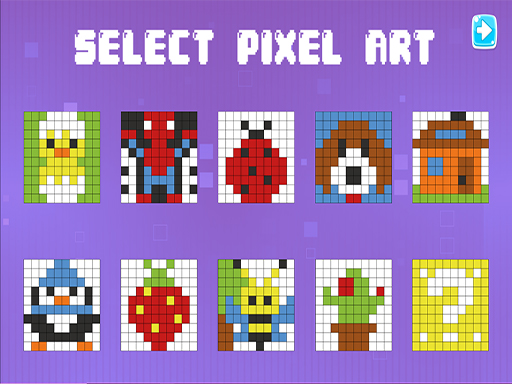
Pixel Coloring kids lets children transform simple pixel grids into vibrant masterpieces. The game flips the classic coloring book on its head: every brushstroke lights up a tiny square, turning the screen into a living mosaic. Kids love the instant feedback, while parents appreciate the educational twist that builds hand‑eye coordination and basic color theory. Built by GamaVerse, the app runs on any mobile device, so playtime can happen anywhere—car rides, waiting rooms, or the backyard. The premise is simple, the reward is big: a splash of color, a sense of achievement, and endless replay value.
Mechanics
Controls are designed for tiny fingers and curious minds. Tap a pixel, drag across the canvas, and watch the hue spread. The interface stays clean, so kids focus on the fun, not on menus. Whether using a mouse on a PC or a touch screen on a tablet, the experience feels natural.
- Use mouse ou touch to interact
Strategy
Success isn’t about speed; it’s about planning. Start with bold colors on large sections to lock in a base. Then layer secondary shades to add depth and contrast. Encourage kids to experiment—mixing warm reds with cool blues creates new tones and teaches basic color blending without messy paint. Unlock new pixel templates by completing each picture; this progression keeps the game fresh and motivates repeat play. Set short challenges, like “fill the sky in under 30 seconds,” to build confidence and improve fine motor skills. Remember, each finished canvas earns a badge, turning casual coloring into a rewarding achievement trail.
Ready to give your child a screen that educates while it entertains? Jump straight into Pixel Coloring kids and watch confidence grow one pixel at a time. Let the colors flow and the learning begin.
