





Controls
Use the left mouse button to cut the objects.
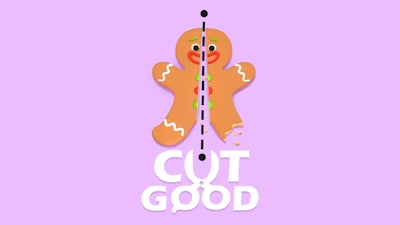
Good Cut!


Play Good Cut! Online Free
Instructions
Controls
Use the left mouse button to cut the objects.
Good Cut! – Slice, Score, and Show Off
Sharp reflexes meet quirky puzzles in Good Cut!. A cartoon kitchen full of bouncing food awaits your mouse‑powered blade. Every level throws a new shape at you, and the goal is simple: slice it into perfect pieces. Miss the mark, and the stars disappear. Nail the cut, and the bragging rights flow. This isn’t just a casual tap‑test; it’s a test of precision that keeps you coming back for another perfect slice.
Master the core mechanics in seconds and start racking up combos. The controls are stripped down to one action, so you can focus on the challenge, not the UI.
- Controls: Use the left mouse button to cut the objects.
- Select 2, 3, or 4 slices per stage.
- Match the exact area of each slice to earn maximum stars.
- Watch pieces spin, shift, and speed up as you progress.
- Each successful cut unlocks a brighter cartoon backdrop.
Strategy & Replay Value
Timing beats brute force. Aim for the center of the shape and anticipate its rotation before you click. Early levels teach you the rhythm; later stages crank up the speed and add moving obstacles. Keep an eye on the star meter—closer area equals higher reward. Experiment with different slice counts; a three‑piece cut may net more stars than a quick two‑piece split if you hit the sweet spot. Progression is tied to a leaderboard, so beating your own high score feels as satisfying as cracking a new level.
Ready to dominate the cutting board? Jump into GamaVerse and prove you’ve got the steady hand of a pro. Slice, score, and share your best runs. The perfect cut is just a click away—start slicing now.
