





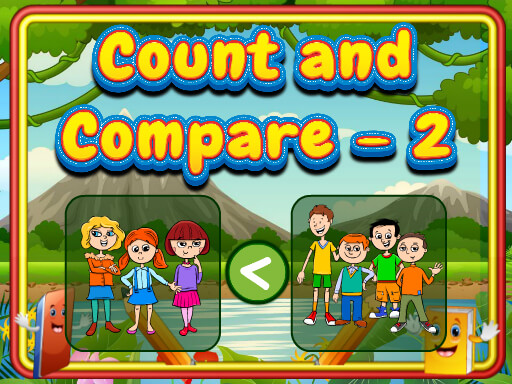
Count And Compare 2


Play Count And Compare 2 Online Free
Instructions
Count And Compare 2 – Quick‑fire Number Puzzle from GamaVerse
Two pictures, a handful of objects, and a single decision: which side holds more, which side holds less, or are they equal? That’s the core loop of Count And Compare 2. It’s an educational brain‑teaser that turns everyday counting into a high‑score chase. Kids and casual gamers alike get a rush from spotting the right number relationship in seconds. The HTML5 engine guarantees buttery‑smooth play on any Mobile or desktop browser, so the fun never stalls—whether you’re at school, on the couch, or on a quick break.
How to Play Count And Compare 2
Master the puzzle in three easy steps. Use mouse or touch pad to play this game, then tap the correct comparison sign.
- Spot the sets: Two side‑by‑side images appear, each filled with a random assortment of items.
- Count mentally: Quickly estimate the Number of objects in each picture.
- Select the sign: Tap “>”, “
- Advance: Nail the comparison, and the next, faster round loads automatically.
Strategy & Addictiveness
Speed beats perfection, but a little method goes a long way. Start by scanning the corners of each image—large objects usually tip the scale. Then glance at the center to confirm your gut feel. If you’re stuck, use the “quick‑count” trick: group items into tens and add the leftovers. The game ramps up the puzzle difficulty by shrinking objects and adding distractors, so each win feels earned. Leaderboards keep the competition fierce, and the endless mode guarantees fresh challenges for school breaks or after‑class practice.
Ready to sharpen those counting muscles while having a blast? Jump into Count And Compare 2 now and see why GamaVerse is the go‑to source for fast, fun, and educational HTML5 titles. Press start, tap the right sign, and watch your score climb—no cheat codes needed.
