





Controls
- Left click to choose and apply a pixel color
- Mouse scroll to zoom-in and out
- Drag left mouse button to move around
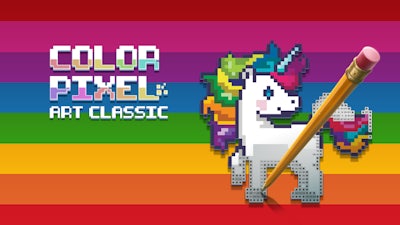
Color Pixel Art Classic


Play Color Pixel Art Classic Online Free
Instructions
Controls
- Left click to choose and apply a pixel color
- Mouse scroll to zoom-in and out
- Drag left mouse button to move around
Color Pixel Art Classic – Pure 2D Pixel Fun
Pixel lovers, this one’s for you. A crisp 2D canvas, a toolbox of bright colors, and a lineup of ready‑made animal silhouettes waiting for your hand. Every stroke feels like a tiny victory, and the final picture pops with retro charm. If you crave a quick, satisfying coloring session that still challenges your eye for detail, you’ve just hit the sweet spot.
How to Play
Grab the mouse and start filling. The interface is stripped down to the essentials, so you can focus on the art, not the menus. Controls are simple, yet they give you full freedom over each pixel.
- Left click to choose and apply a pixel color.
- Mouse scroll to zoom‑in and out.
- Drag left mouse button to move around the canvas.
Tips & Tricks for Endless Replay
Start with the low‑color animal sketches. They teach you how the palette works without overwhelming you. Once you nail those, jump to the advanced scenes that blend ten or more hues. Keep an eye on the reference image; matching the exact shade saves time and boosts your score. Zoom in for fine details, then zoom out to see the overall balance—this back‑and‑forth rhythm is what makes the game addictive.
Ready to prove you’ve got the perfect pixel touch? Jump into Color Pixel Art Classic now, and let GamaVerse bring your coloring skills to life. Every completed masterpiece unlocks a fresh set of challenges, so the fun never stops. Grab your mouse, pick a palette, and start turning tiny squares into bold art today.
