





Controls
Use the mouse and keyboard to play the game.
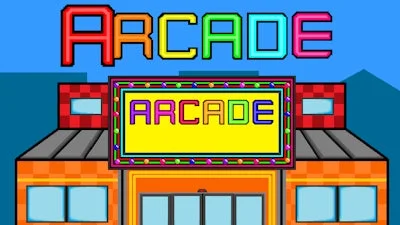
Arcade


Play Arcade Online Free
Instructions
Controls
Use the mouse and keyboard to play the game.
Arcade: Master the 2D Simulation That Turns Your Business Into a Gaming Playground
Imagine running a neon‑lit empire where every coin flips the lights on a new machine. Arcade drops you into a full‑blown management sandbox, blending classic 2D charm with hardcore business strategy. You buy, place, and maintain a roster of retro titles, from high‑score shooters to quirky Scratch‑style mini‑games. Every satisfied customer boosts your revenue, every empty slot screams for an upgrade. It’s not just a game‑hall; it’s a living simulation where your decisions shape the buzz on the floor.
Arcade Controls
Controls are stripped down to mouse clicks and keyboard taps, keeping the focus on your management instincts.
- Mouse – Drag and drop cabinets, hover over stats, click to open purchase menus.
- Keyboard – Shortcut keys for buying (B), upgrading (U), and toggling the shop floor view (V).
- Spacebar – Quick‑pause for a rapid inventory check.
- Esc – Exit to the main hub or save your progress.
Success hinges on clever strategy. Start small: fill the lobby with low‑cost machines that attract foot traffic. Track peak hours, then swap in high‑margin titles when the crowd swells. Use the built‑in analytics to spot underperforming cabinets and replace them before they become money pits. Seasonal events unlock limited‑edition Scratch challenges that spike demand—time those releases for maximum profit. Layer your layout wisely; a well‑planned grid reduces player wait time and boosts overall satisfaction.
Ready to turn your pixel‑perfect vision into a cash‑flow reality? Jump into Arcade today and watch the arcade floor buzz under your command. The GamaVerse team built this simulation for gamers who love both the thrill of the joystick and the grind of a smart business. Install, expand, dominate—your ultimate arcade empire awaits.
