





RoboStrike 3D


Play RoboStrike 3D Online Free
Instructions
RoboStrike 3D: Fast‑paced Robot Arena Action
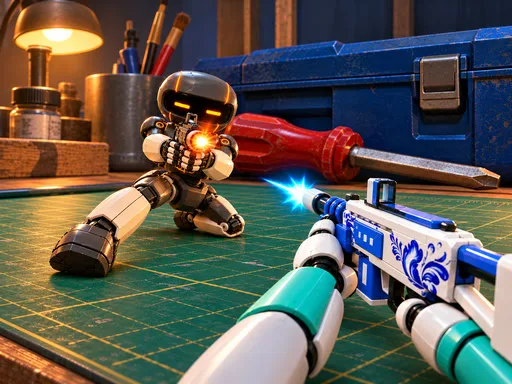
RoboStrike 3D drops you into a chaotic 3D arena where tiny robots battle across oversized everyday objects. Every match pits you against other players or AI in a First Person Shooter showdown. Capture batteries, power the cannon, and bring down the enemy tower. Choose a class, outfit your Robot, and dominate the PvP battlefield. The adrenaline rush comes from quick reflexes, smart positioning, and relentless fire. If you crave intense multiplayer fps moments, this arena delivers nonstop action.
RoboStrike 3D – Core Mechanics
Control your Robot with a simple layout that lets you focus on the fight. Movement, aiming, and weapon swaps happen at your fingertips, so you stay in the heat of battle.
- WASD to move
- mouse to look
- left click to fire
- right click to aim
- Space to jump
- Shift to sprint
- C to slide and R to reload
- Use 1 - 3 to switch weapons and equipment
- 4 to equip a grenade
- E to interact with the cannon
- In Batteries mode
RoboStrike 3D – Winning Strategy
Start each match by scouting the arena. High ground gives you a clear line of sight and makes it harder for enemies to flank. Secure batteries early; they power the central cannon and give you a decisive advantage. Switch weapons on the fly—use a rapid‑fire gun for close encounters, then flip to a sniper for long‑range picks. Grenades clear crowded zones and force opponents out of cover. When the enemy tower stands tall, coordinate with teammates to overload the cannon. Keep moving, slide around corners, and sprint between engagements to stay unpredictable. Master the timing of jumps and slides to dodge incoming fire while closing distance.
Ready to prove your skill in the most electrifying Robot arena? Jump into a match now, claim the top spot, and let GamaVerse showcase your victory.
