





Explore the World of Art Games on GamaVerse
Welcome to the Art category at GamaVerse, where creativity meets interactive entertainment. Whether you’re a seasoned illustrator, a casual doodler, or someone who simply enjoys turning pixels into masterpieces, this collection offers tools, challenges, and fun that cater to every skill level. In this guide we’ll walk you through the core mechanics of each title, highlight what makes them unique, and suggest how to integrate them into your daily play routine. By the end, you’ll have a clear roadmap for mastering the artistic side of gaming without any vague hype—just concrete, actionable insight.
Why Choose Art Games on GamaVerse?
Art‑focused games provide a rare blend of relaxation and skill‑building. They encourage:
- Hand‑eye coordination through drawing or coloring challenges.
- Problem‑solving when puzzles require visual logic.
- Creative expression without the pressure of a traditional “win/lose” metric.
- Opportunities to share your creations with the GamaVerse community, gaining feedback and inspiration.
All titles are optimized for both mobile and desktop, ensuring a seamless experience whether you’re on a commute or at home.
Top Art Games to Master on GamaVerse
Below is a curated list of the best‑rated titles in the Art category. Each entry includes a brief description of gameplay mechanics, the type of creative skill it hones, and a direct link to start playing instantly.
Makeup Artist 3D – This simulation lets you experiment with professional‑grade palettes, blend techniques, and facial anatomy. It’s perfect for players who want to understand color theory while creating realistic portraits. The 3‑D environment adds depth, making each brushstroke feel tangible.
Merge & Decor – Combine decorative items to unlock new design elements for virtual rooms. The game teaches spatial awareness and color harmony through a rewarding merge mechanic. Each completed set expands your design toolkit, encouraging experimentation with interior styling.
Turd Show – A quirky take on abstract art, this title challenges you to create expressive “splatter” pieces using unconventional tools. Despite its humorous premise, the underlying mechanics sharpen your sense of composition and negative space.
Art Puzzle Master – Solve visual riddles by rearranging fragments of famous artworks. This game doubles as a cultural lesson, reinforcing recognition of style, line, and form while exercising logical deduction.
Stickman Draw the Bridge – Build a bridge using freehand drawing tools, then watch your stickman cross it. The physics engine rewards precise line work and encourages iterative testing—ideal for players who love engineering aesthetics.
Draw Leg – Control a climber’s leg by sketching its path across obstacles. Timing and smooth strokes are crucial, turning each level into a kinetic art exercise.
Draw Attack – Defend against waves of enemies by drawing weapons in real time. The game merges rapid sketching with strategic placement, sharpening reflexes and creative problem‑solving.
Draw Rider – Sketch a vehicle’s trajectory to navigate challenging courses. Each successful route rewards you with new brush types, reinforcing the link between line quality and gameplay outcome.
Draw Knife – Slice through obstacles by drawing precise cuts. The game emphasizes steady hand control and angle awareness, making it a perfect practice ground for aspiring digital illustrators.
Kids Coloring – A vibrant palette of pre‑drawn scenes invites players of any age to experiment with color blending and shading. While labeled “Kids,” the toolset is robust enough for adults seeking a low‑stress creative outlet.
How to Get the Most Out of Art Games on GamaVerse
To transform casual play into skill development, follow these steps:
- Set a daily sketch goal. Even five minutes in
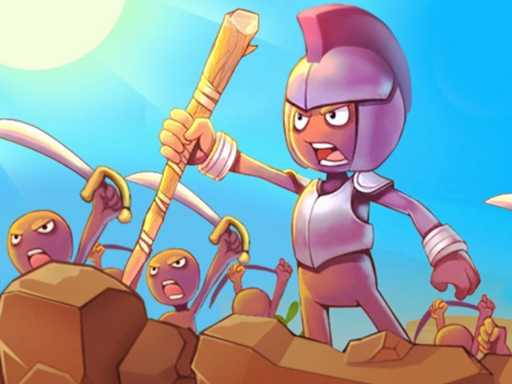 Draw Attack can build muscle memory.
 - Review completed levels. Pause after each puzzle in
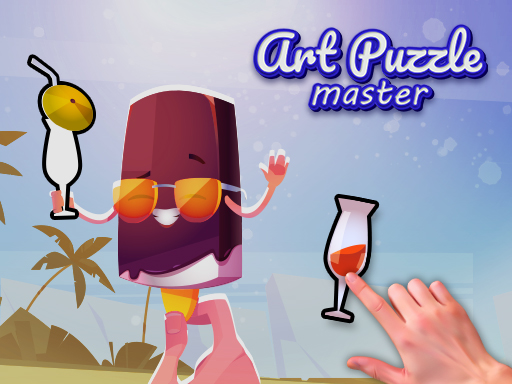 Art Puzzle Master to note compositional tricks used by the game.
 - Experiment with tools. Switch brush types in
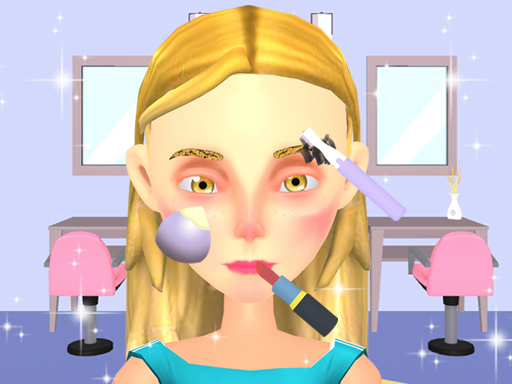 Makeup Artist 3D to discover new shading techniques.
 - Share your creations. Upload screenshots to the GamaVerse forum; community feedback often uncovers hidden design principles you might miss.
Building a Personal Art‑Game Library
Start by selecting a mix of genres—puzzle, simulation, and free‑draw—to keep your sessions varied. A balanced library might look like this:
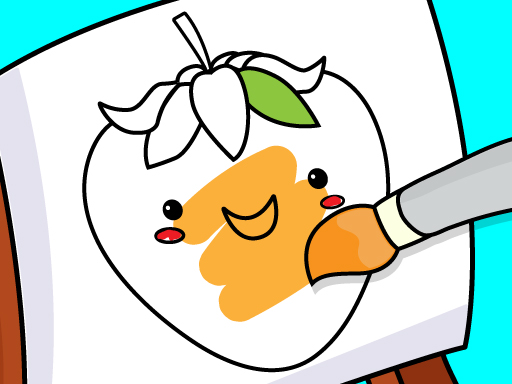 Kids Coloring
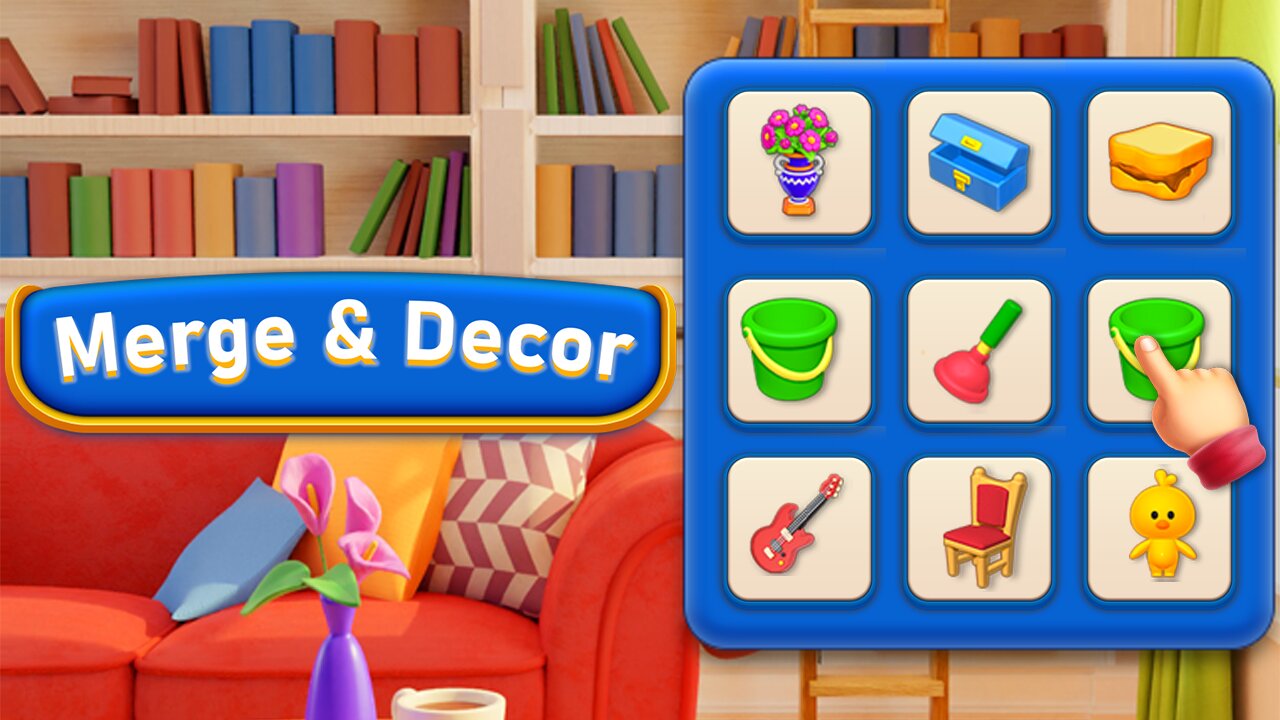 Merge & Decor
This variety ensures you’re constantly exercising different aspects of visual cognition, from color matching to structural drawing.
SEO Tips for Sharing Your Art‑Game Achievements
When you post screenshots or tutorials, follow these simple SEO guidelines to increase visibility on search engines and within the GamaVerse ecosystem:
- Use descriptive filenames. Name the image “makeup-artist-3d‑portrait‑tutorial.jpg” instead of “IMG_1234.jpg”.
- Include the game title in the alt text. For example, alt="Makeup Artist 3D – blended eye makeup tutorial".
- Write concise meta descriptions. Summarize the tip in 150 characters, inserting “GamaVerse” for brand association.
- Link back to the original game page. Anchor text should be the exact game title, as we have done throughout this guide.
Following these practices not only drives traffic to your content but also helps other players discover the hidden gems within GamaVerse’s Art catalog.
Conclusion: Your Creative Journey Starts Here
GamaVerse’s Art category is more than a collection of pretty pictures; it’s a structured pathway for anyone who wants to sharpen visual skills while having fun. From the realistic brushwork of Makeup Artist 3D to the whimsical challenges of Turd Show, there’s a perfect match for every artistic impulse. Dive in, experiment, and let each stroke bring you closer to mastery. Happy creating, and see you on the leaderboards of imagination!
